Plugin Concept
Demo Reset Concept
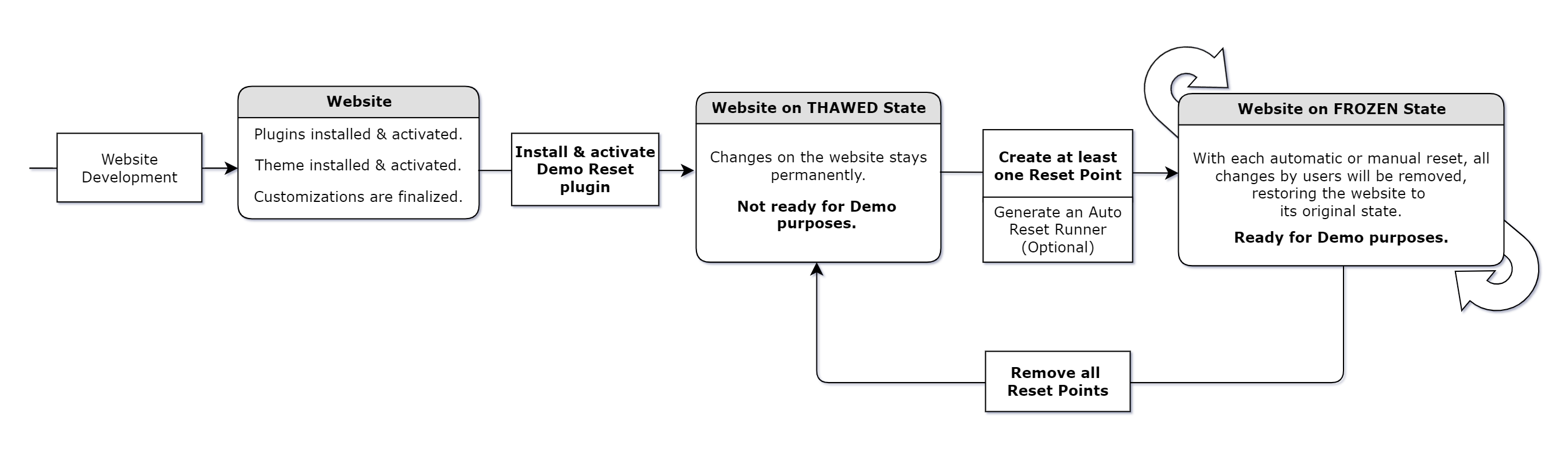
Build it → Freeze it → Let them play with it → Let it to Auto Reset via Server Cron.
Philosophy
Your WordPress product can be a Theme, Plugin, or Specially Developed Website. Why limit your customers to frontend-only demos? With Demo Reset Pro, they can experience it as an Admin, Editor, Author, Subscriber, or any user—without risking permanent changes or security. This is the ultimate set-and-forget automation solution for Demo Websites.
Stay ahead of your competitors by earning your customers’ trust and confidence with fully accessible Demo Websites on your own servers.
At Ministry of Plugins we believe, it is our duty to develop WordPress technologies to double your sales.
Concept
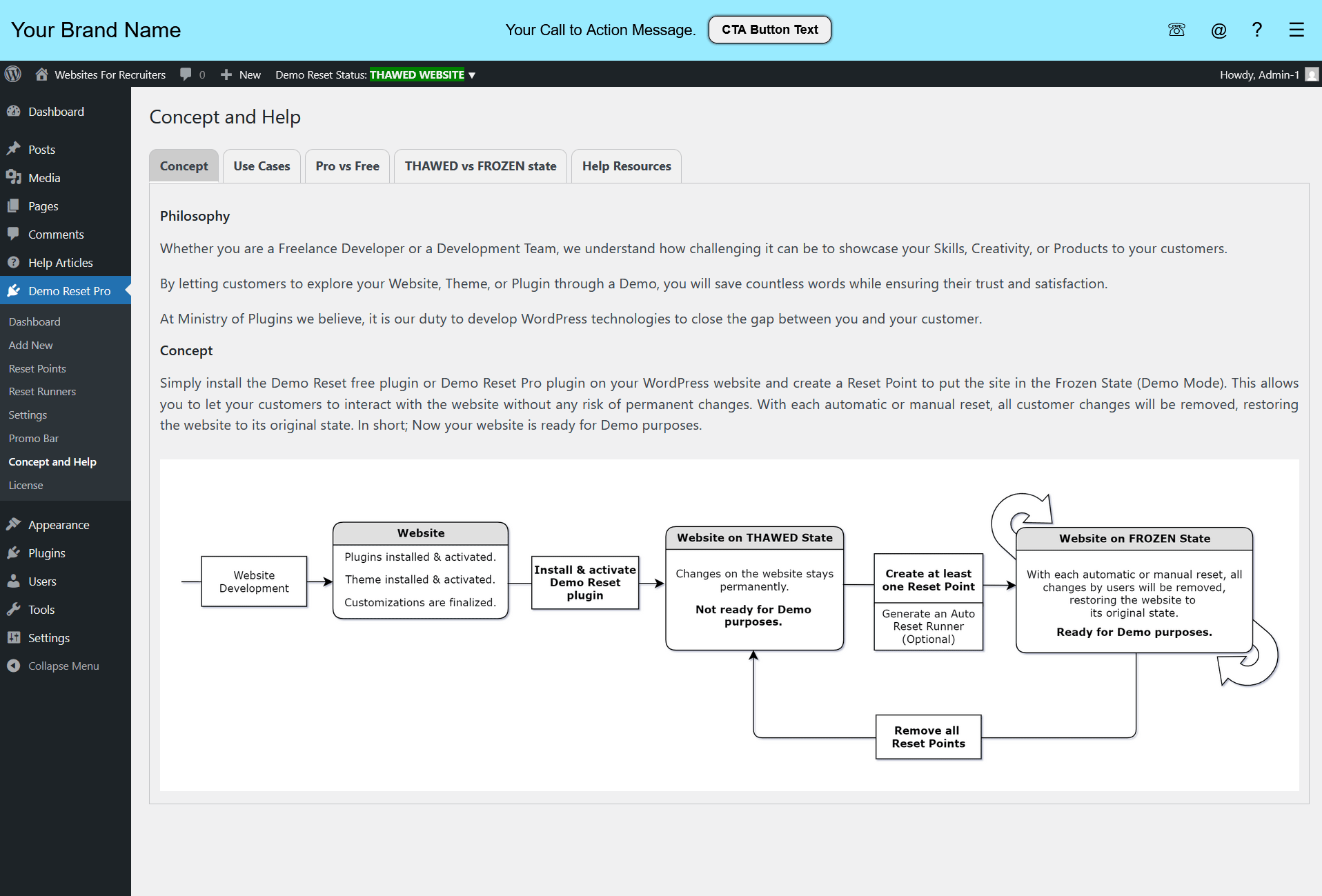
Simply install the Demo Reset free plugin or Demo Reset Pro plugin on your WordPress website and create a Reset Point to put the site in the Frozen State (Demo Mode). This allows you to let your customers to interact with the website without any risk of permanent changes. With each automatic or manual reset, all customer changes will be removed, restoring the website to its original state. In short; Now your website is ready for Demo purposes.
Use Cases
Use Cases of Demo Reset plugin
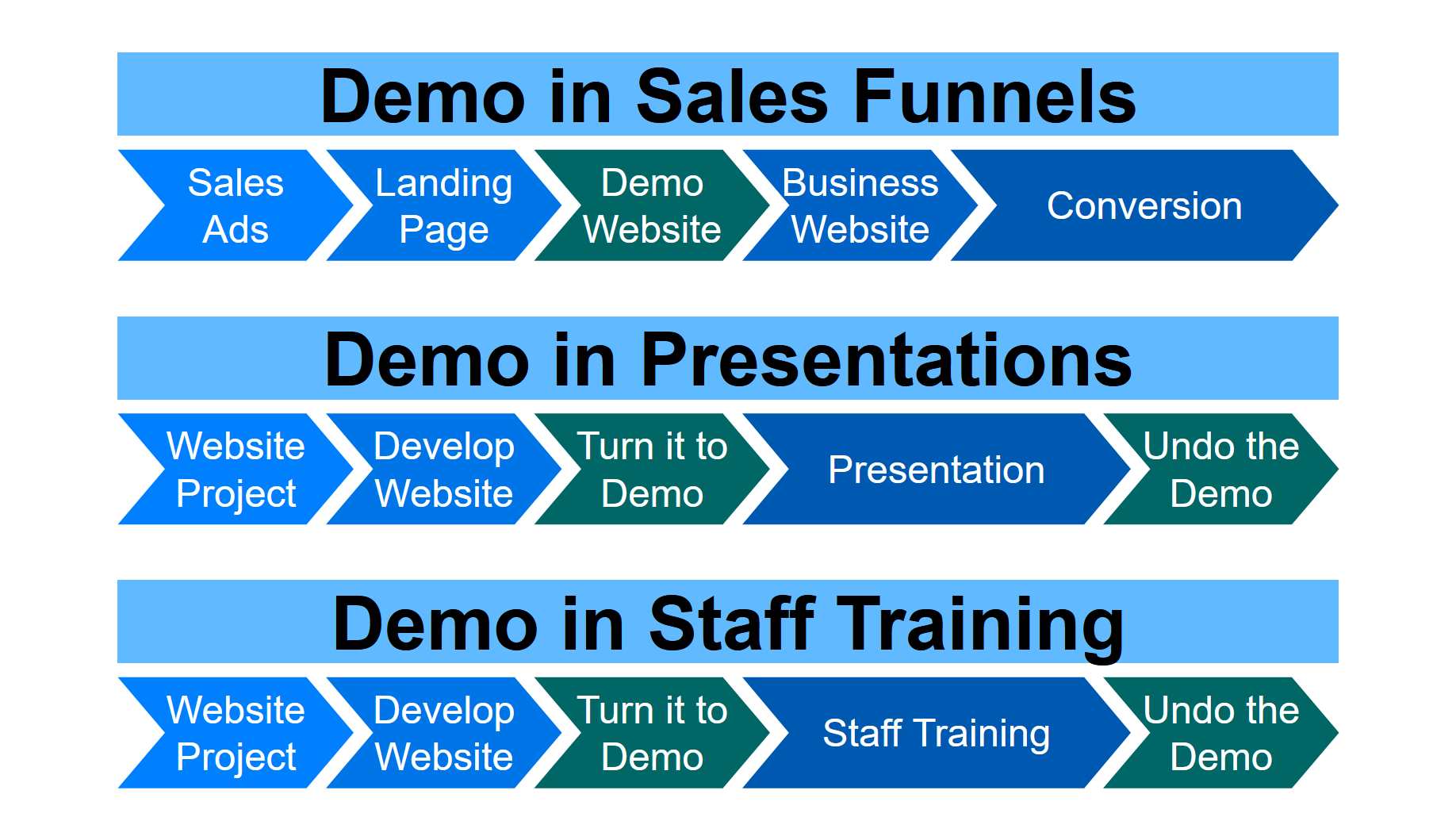
Demo for sales purposes:
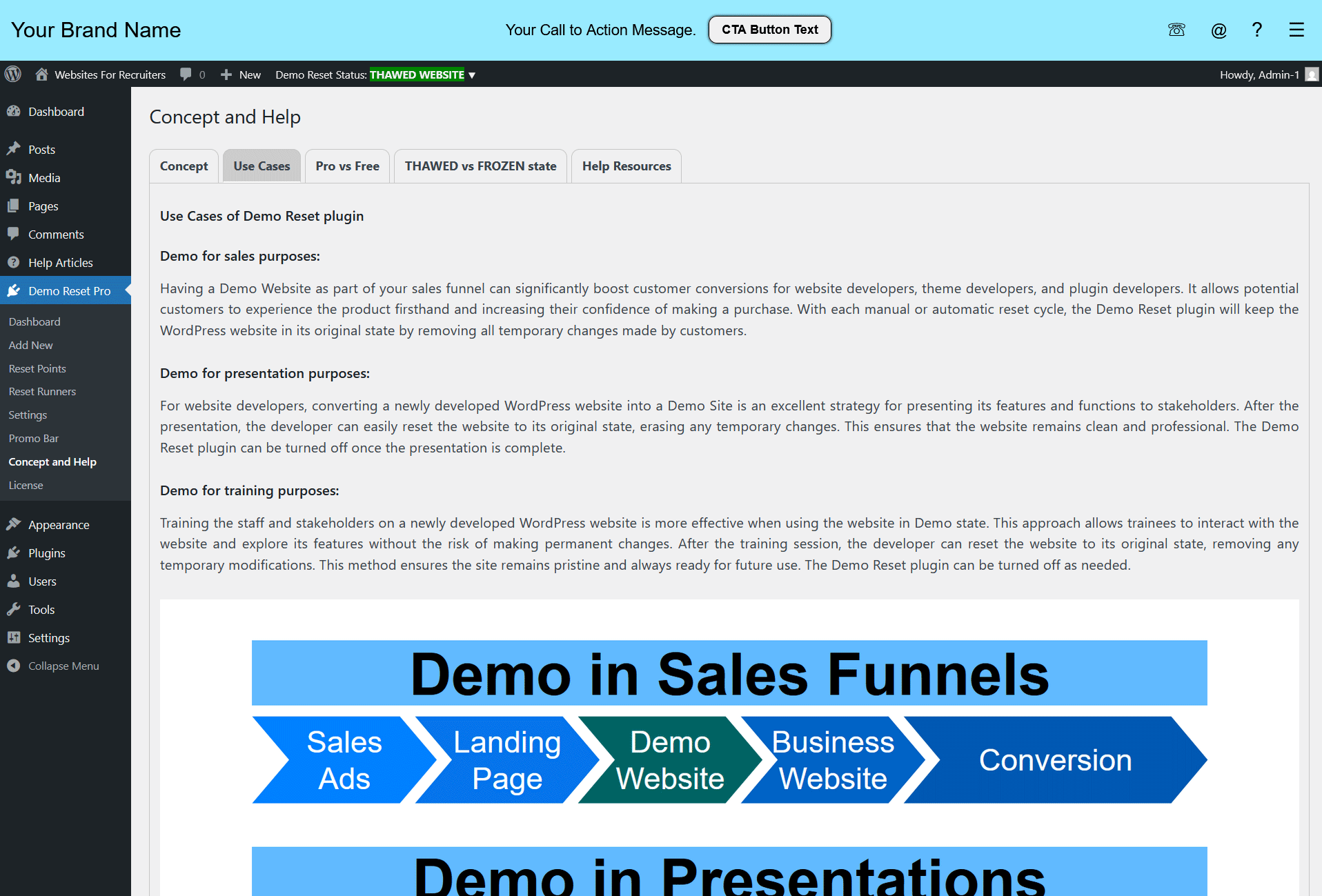
Having a Demo Website as part of your sales funnel can significantly boost customer conversions for website developers, theme developers, and plugin developers. It allows potential customers to experience the product firsthand and increasing their confidence of making a purchase. With each manual or automatic reset cycle, the Demo Reset plugin will keep the WordPress website in its original state by removing all temporary changes made by customers.
Demo for presentation purposes:
For website developers, converting a newly developed WordPress website into a Demo Site is an excellent strategy for presenting its features and functions to stakeholders. After the presentation, the developer can easily reset the website to its original state, erasing any temporary changes. This ensures that the website remains clean and professional. The Demo Reset plugin can be turned off once the presentation is complete.
Demo for training purposes:
Training the staff and stakeholders on a newly developed WordPress website is more effective when using the website in Demo state. This approach allows trainees to interact with the website and explore its features without the risk of making permanent changes. After the training session, the developer can reset the website to its original state, removing any temporary modifications. This method ensures the site remains pristine and always ready for future use. The Demo Reset plugin can be turned off as needed.
Plugin Features
Demo Reset Pro Features
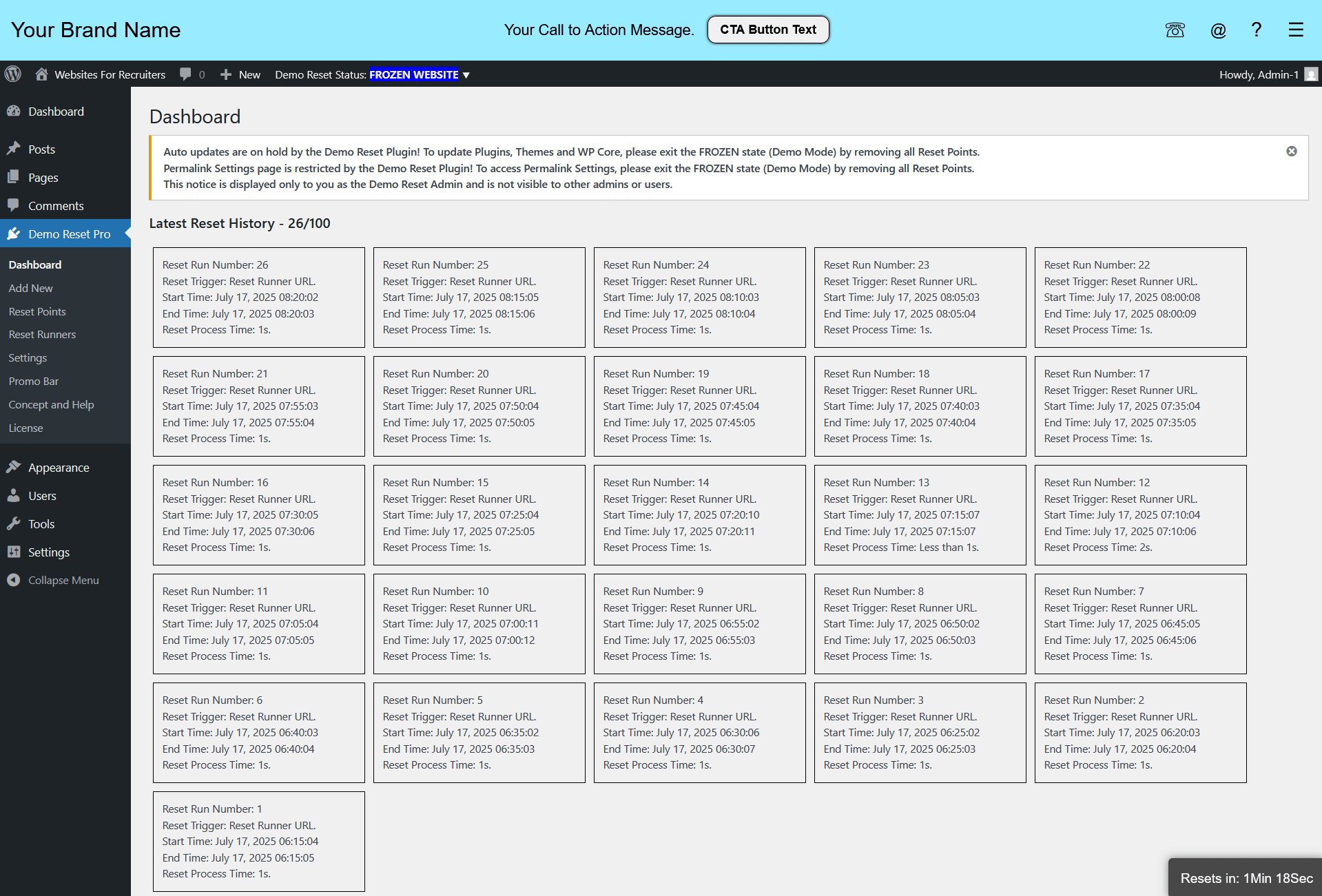
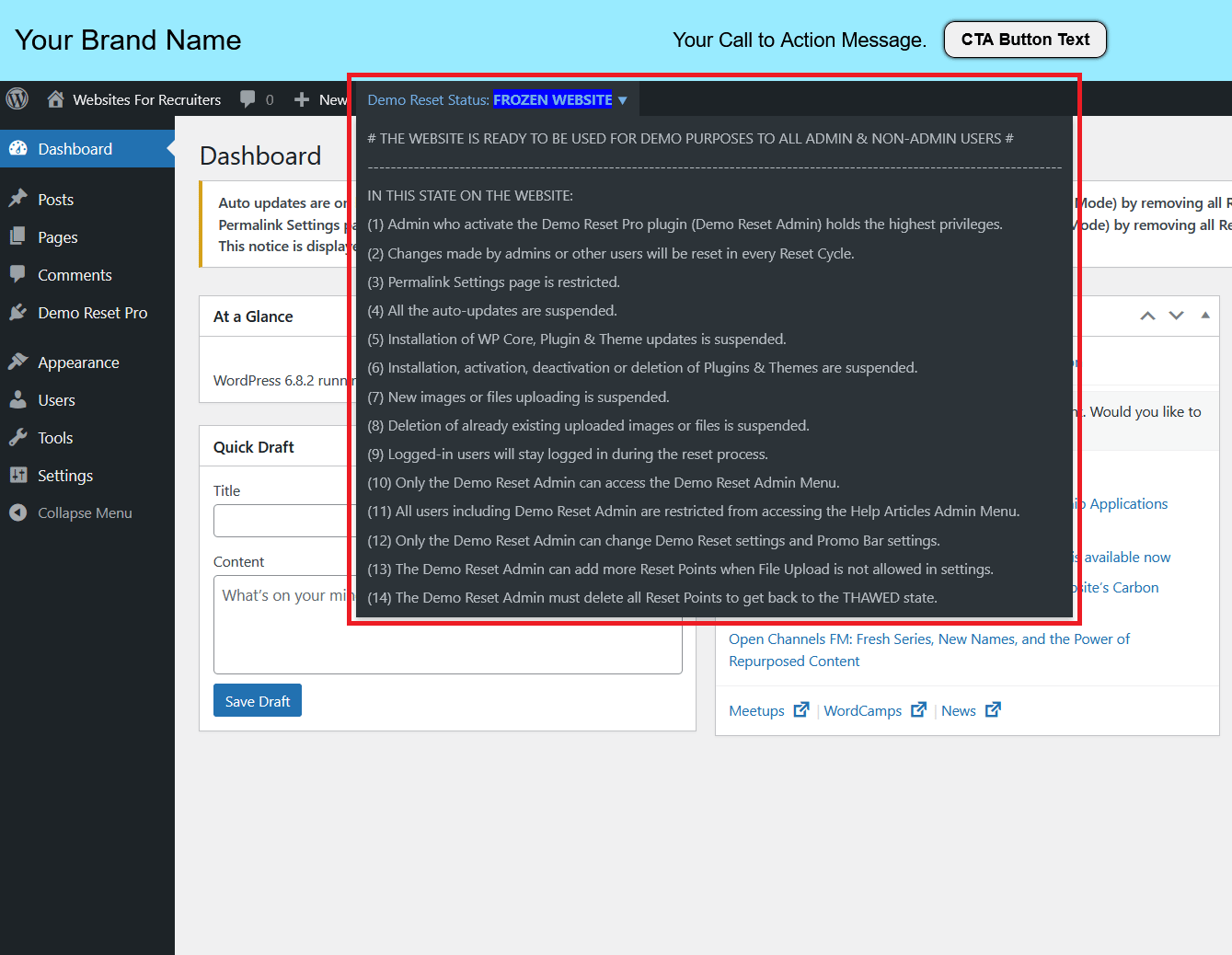
- The latest 100 Reset Run details are displayed on the plugin Dashboard.
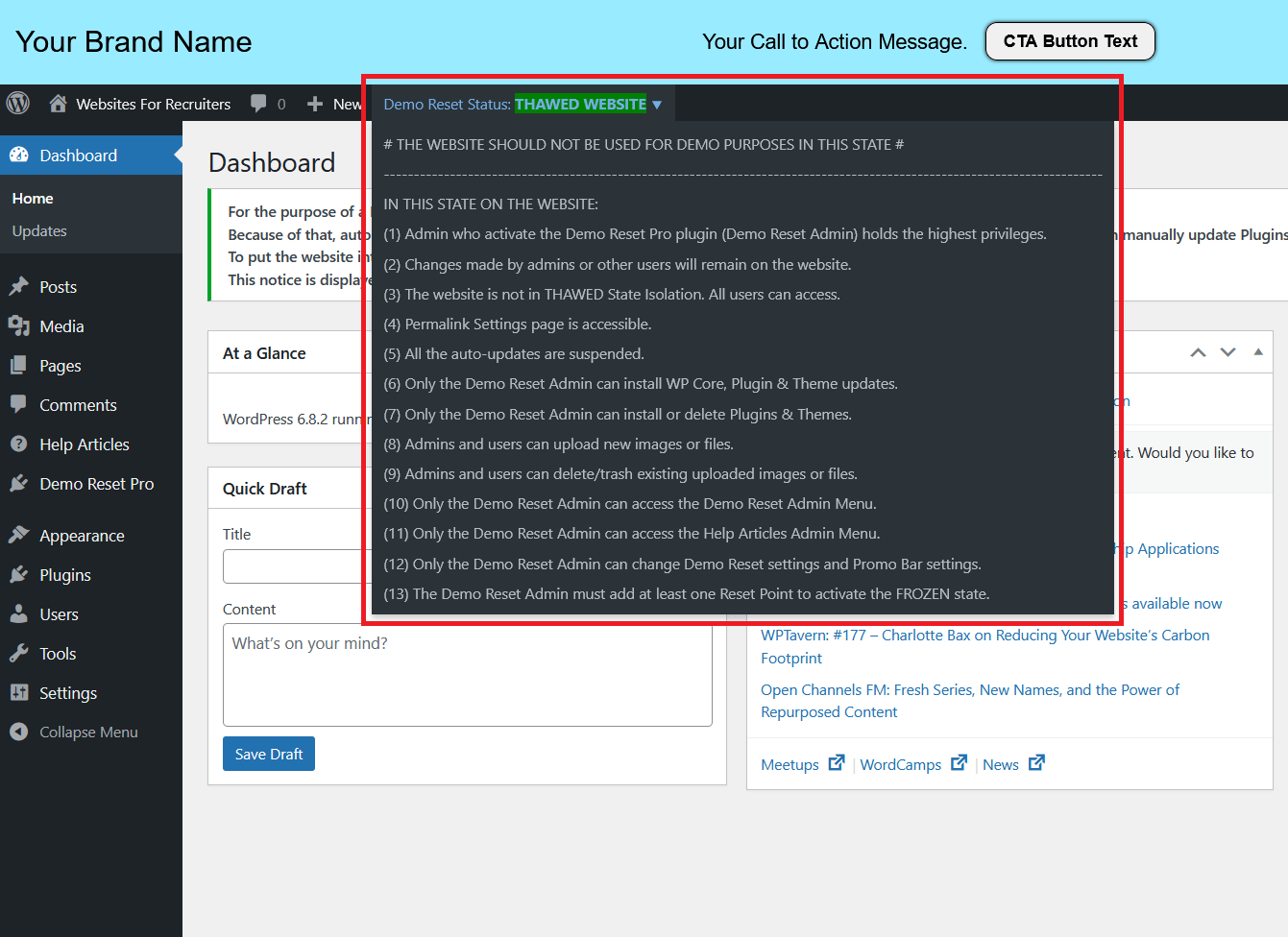
- Displays live THAWED/FROZEN status in the Admin Bar based on the demo website’s current state. (Visible only to Demo Reset Admin)
- Status dropdown in the Admin Bar shows current THAWED/FROZEN state details. (Visible only to Demo Reset Admin)
Note: “Demo Reset Admin” refers to the admin who activates the Demo Reset Pro plugin on the demo website.
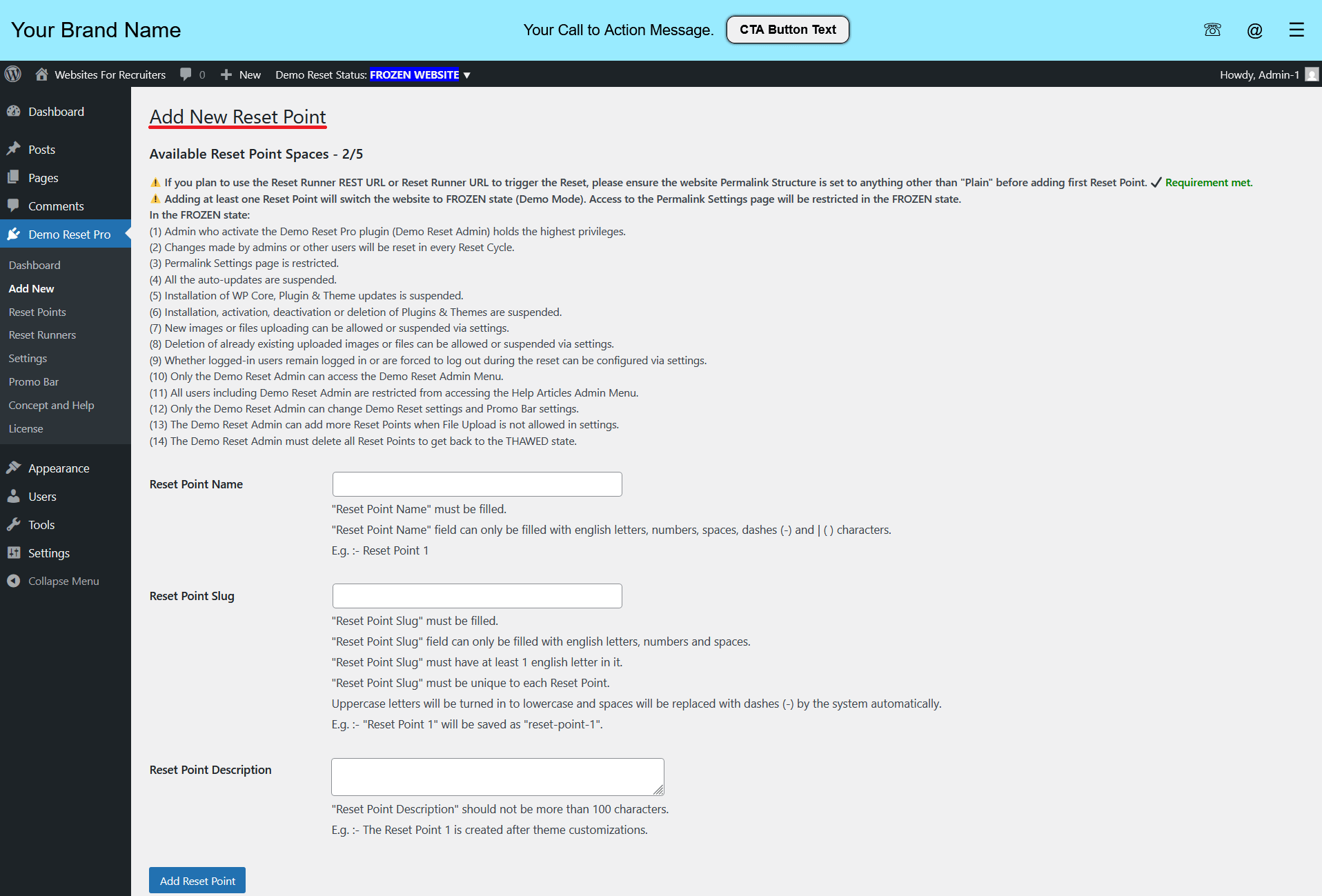
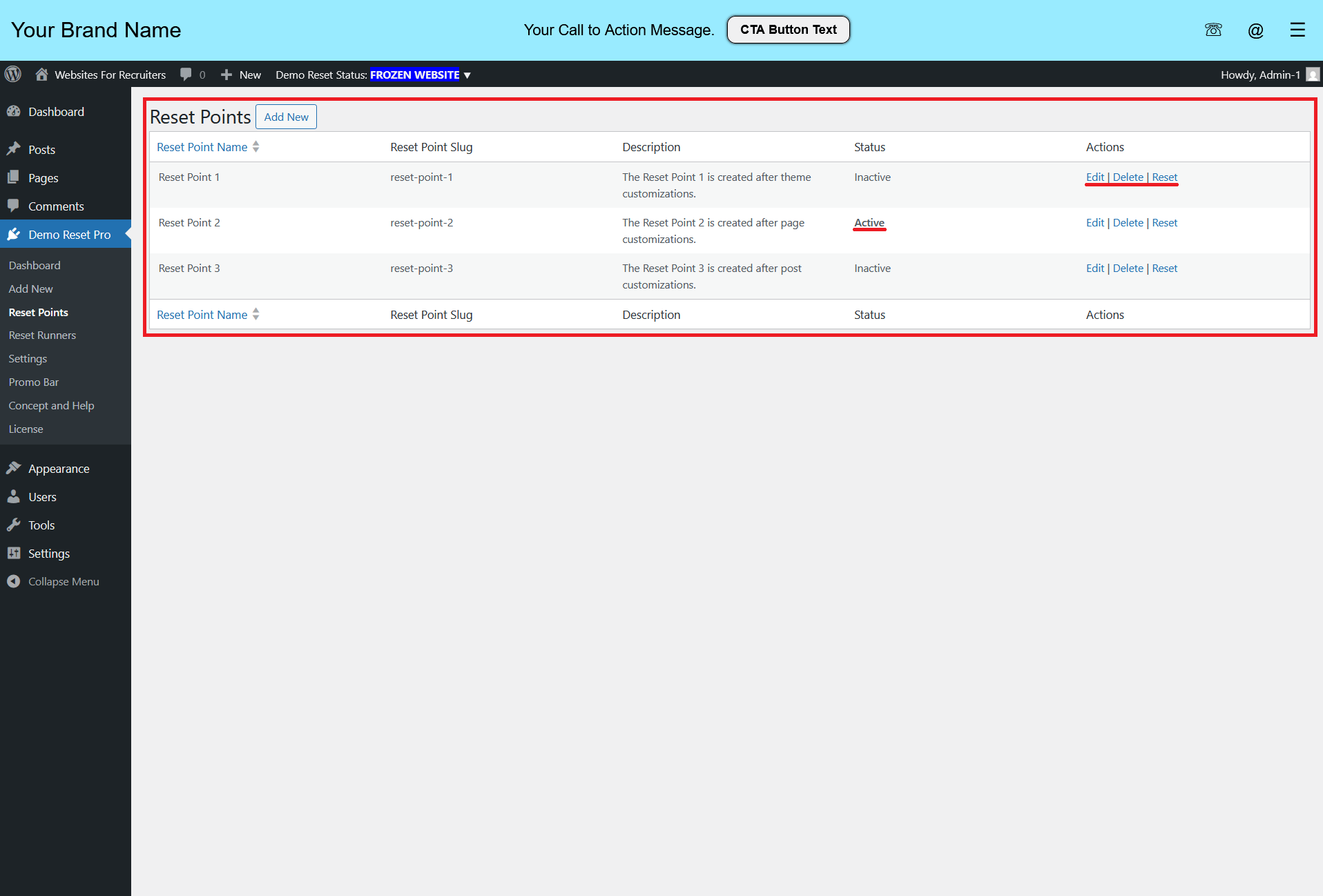
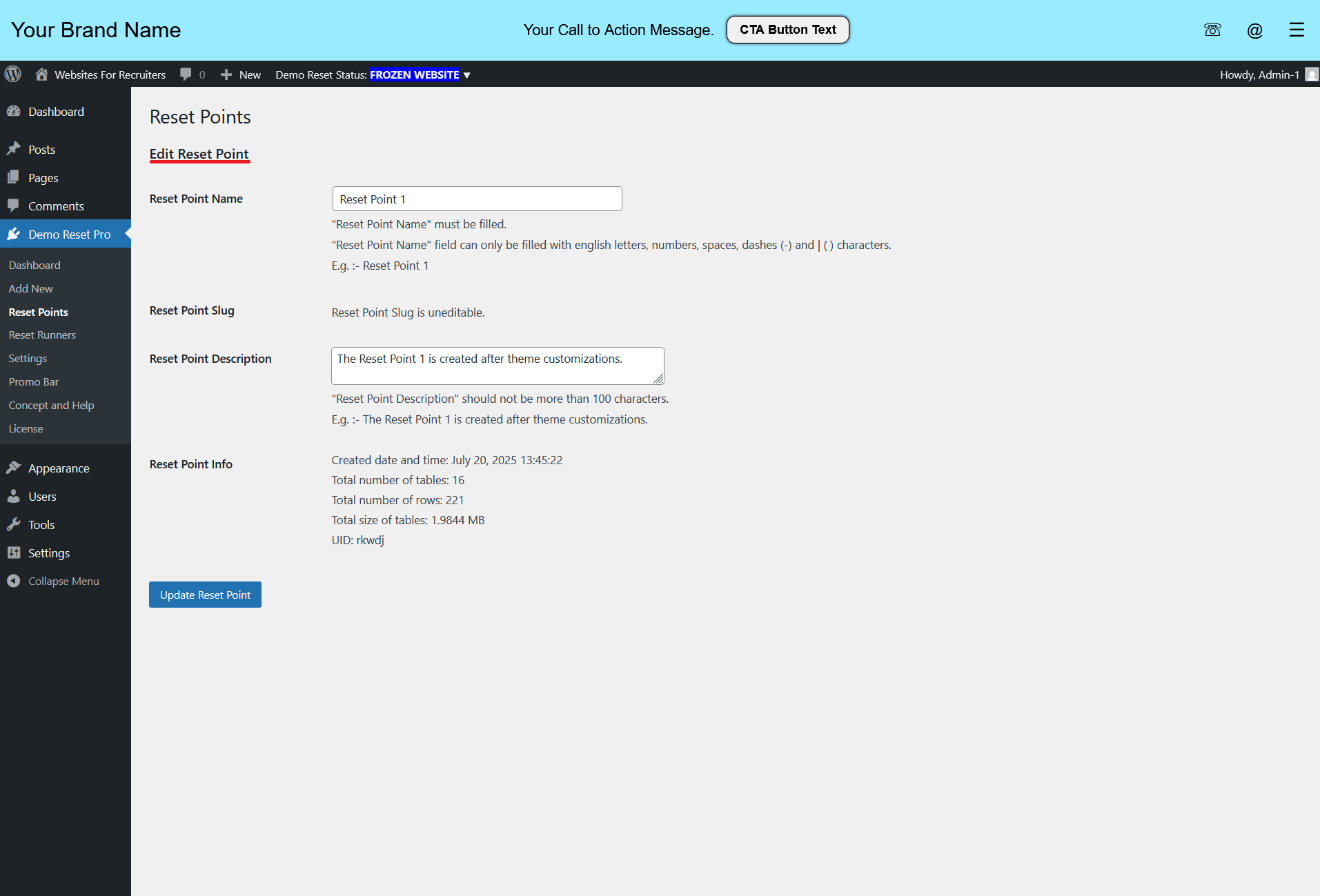
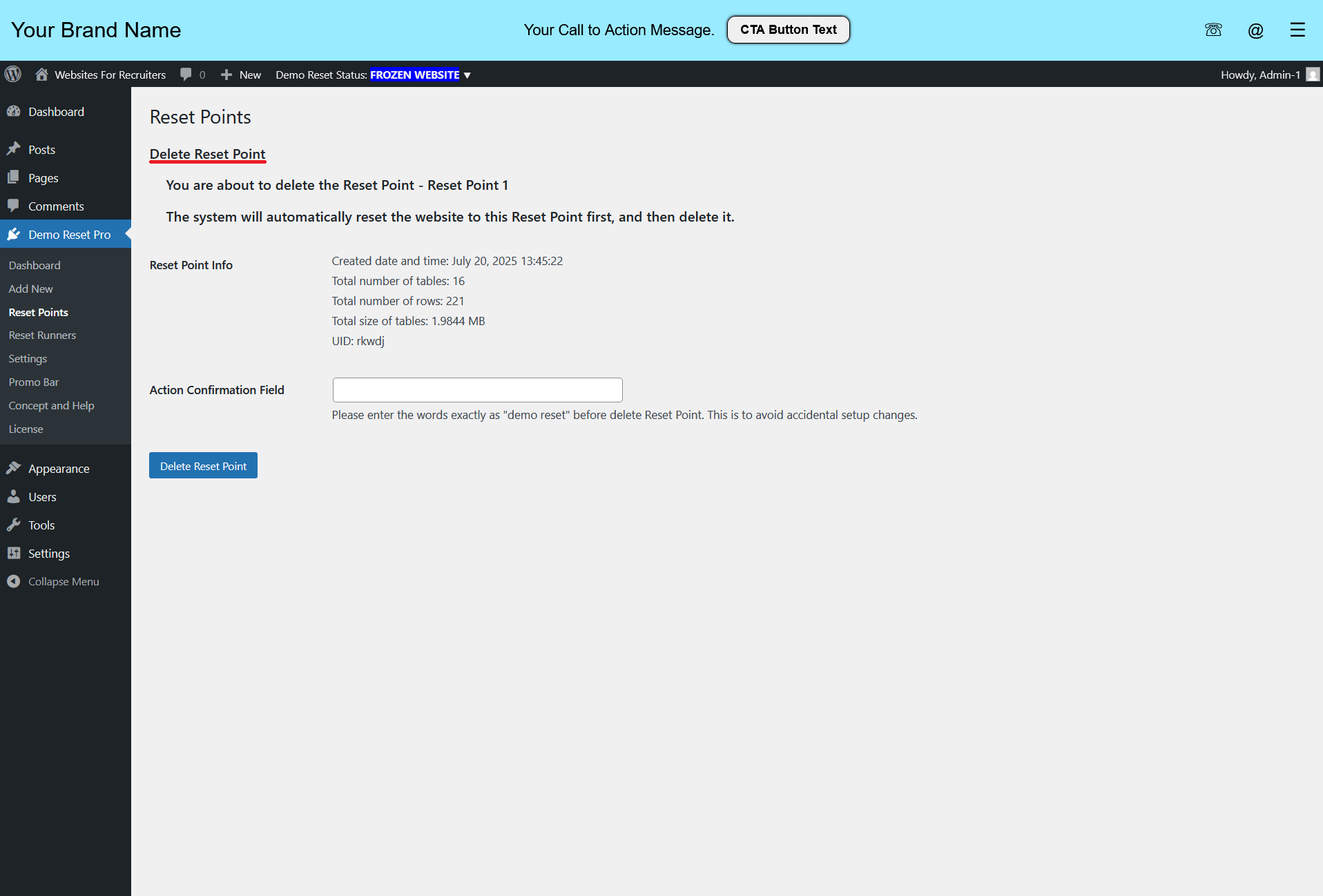
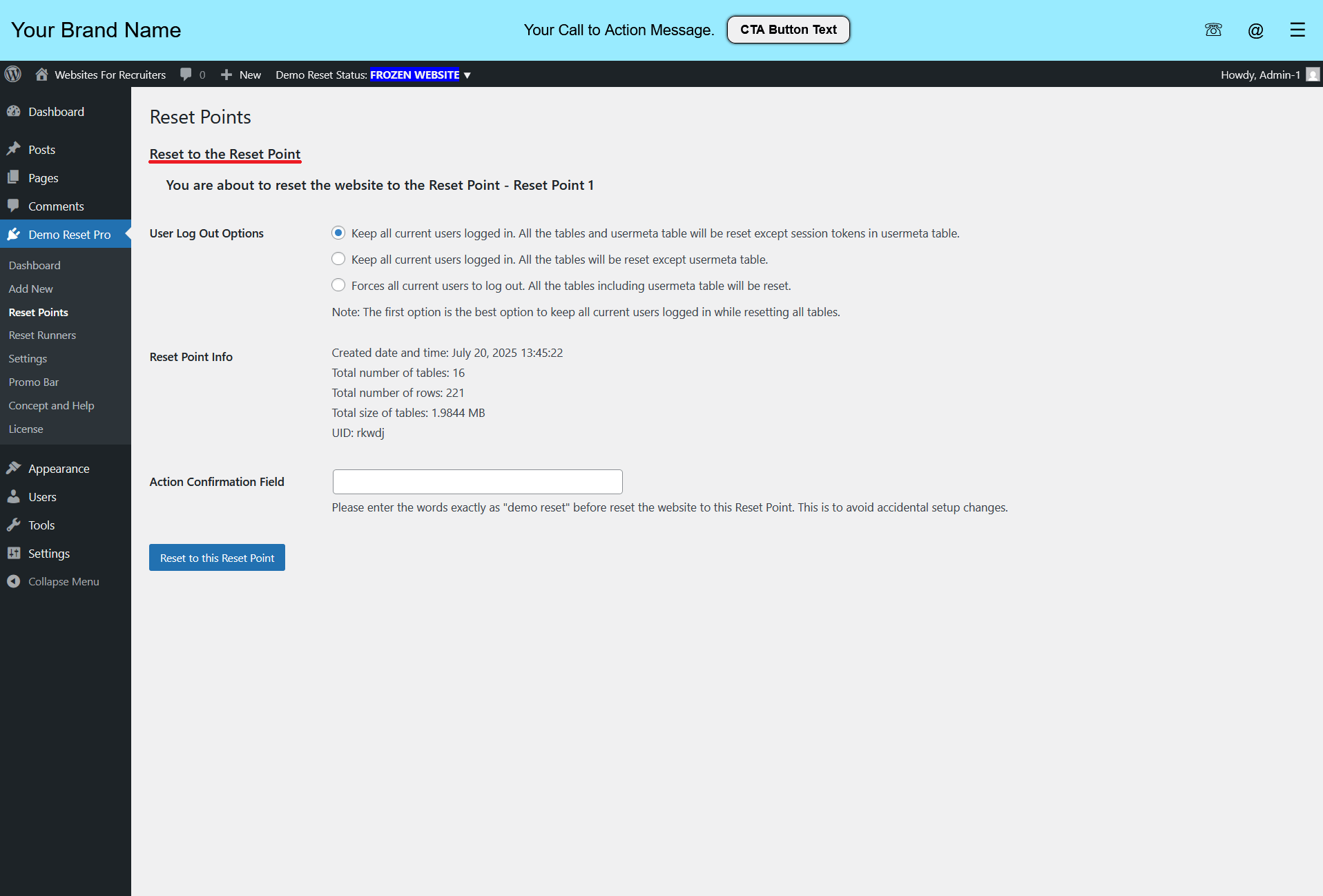
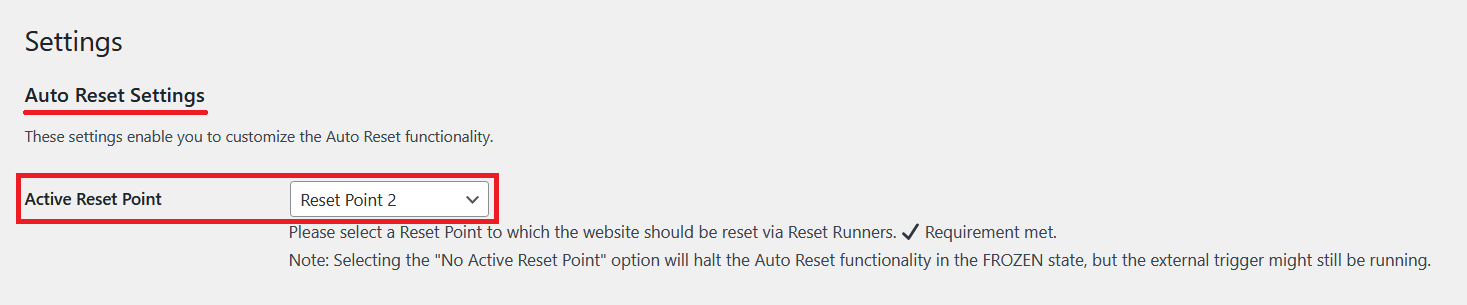
- Ability to add multiple Reset Points with descriptions.
- Demo Reset Admin can add, edit and delete Reset points.
- Demo Reset Admin can manually reset the website or select an Active Reset Point for Auto Reset.
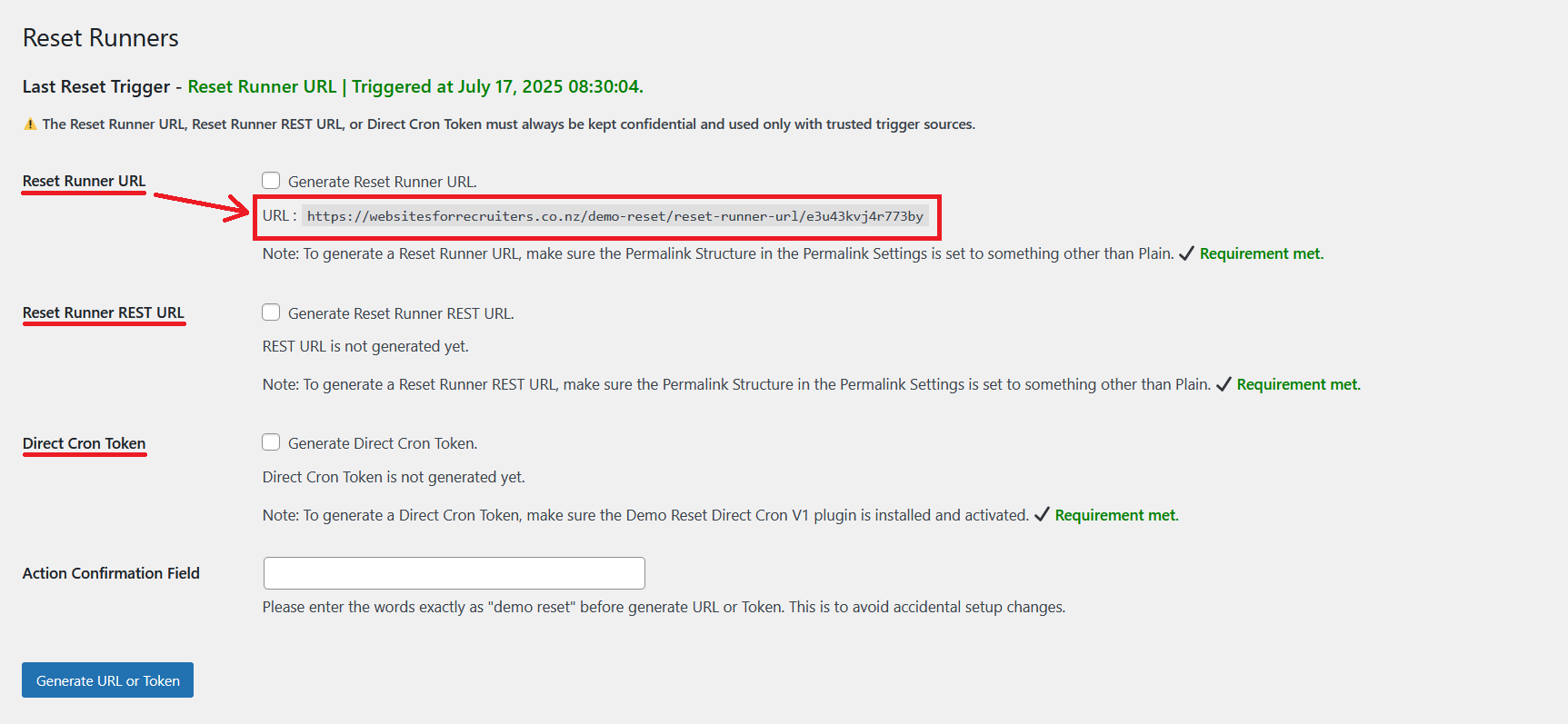
- Reset Runner URL, Reset Runner REST URL, and Direct Cron Token systems are provided to securely initiate the Website Reset Process to a chosen Reset Point.
- These three Reset Runners provide the capability to securely trigger the Automatic Reset using almost any external trigger source.
- External trigger sources can include:
- Cron functionality of the same server
- RESTful trigger sources like Cron-job.org or Zapier
Note: You might be wondering why WordPress cron is not used. WordPress cron is a pseudo-cron system that triggers when a page is loaded. Therefore, it’s unreliable for triggering a robust Website Reset Process without running into numerous issues. For this reason, the trigger must come from outside the WordPress system.
Demo Reset Pro provides highly secure reset trigger mechanisms via Reset Runners.
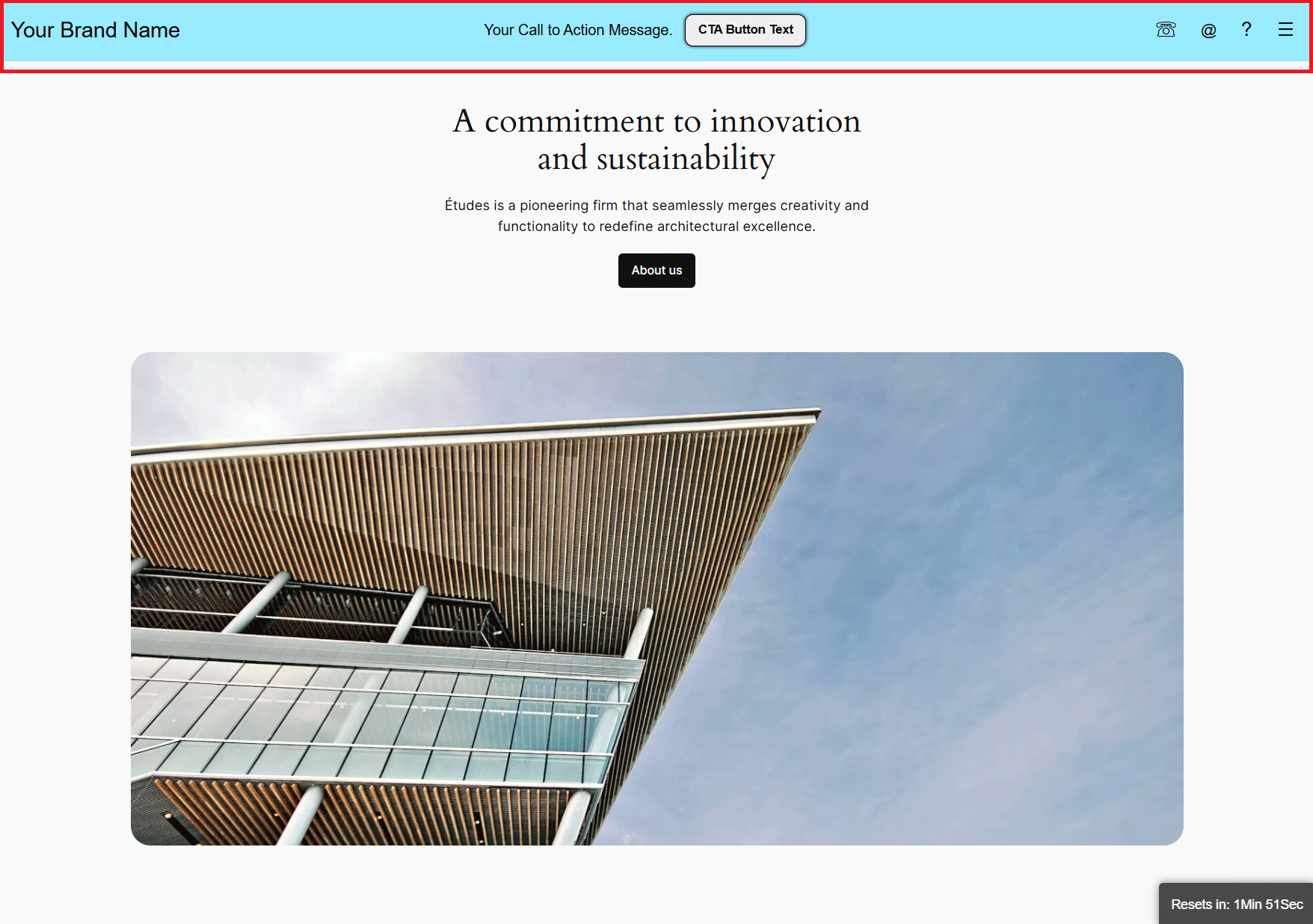
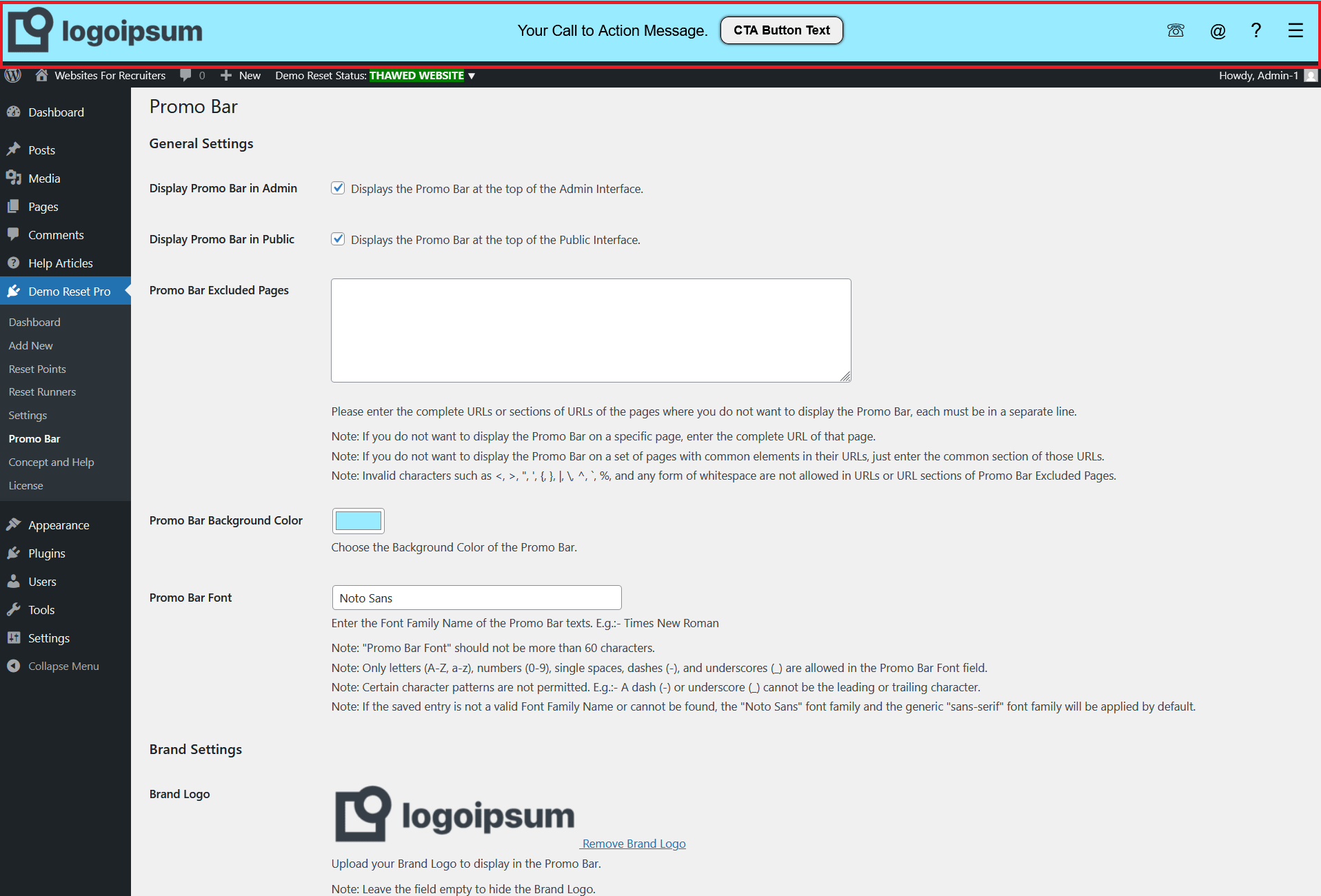
- Option to enable/disable the Promo Bar for both Admin and Public interfaces.
- Promo Bar can be excluded from any page.
- Customizable Font Family and Background Color for the Promo Bar.
- Customizable Promo Bar tool colors and sub-menu colors.
- Brand Logo – Add or change the logo.
- Brand Name – Editable text and text color.
- Brand Link – Editable URL.
- Your Call to Action Message – Editable text and text color.
- CTA Button – Editable text, link, text color, and button colors.
- Phone Number – Editable text.
- Email Address – Editable text.
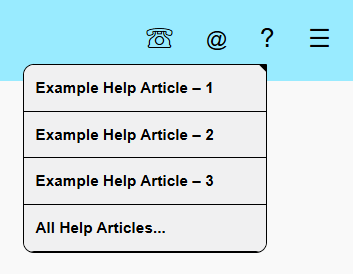
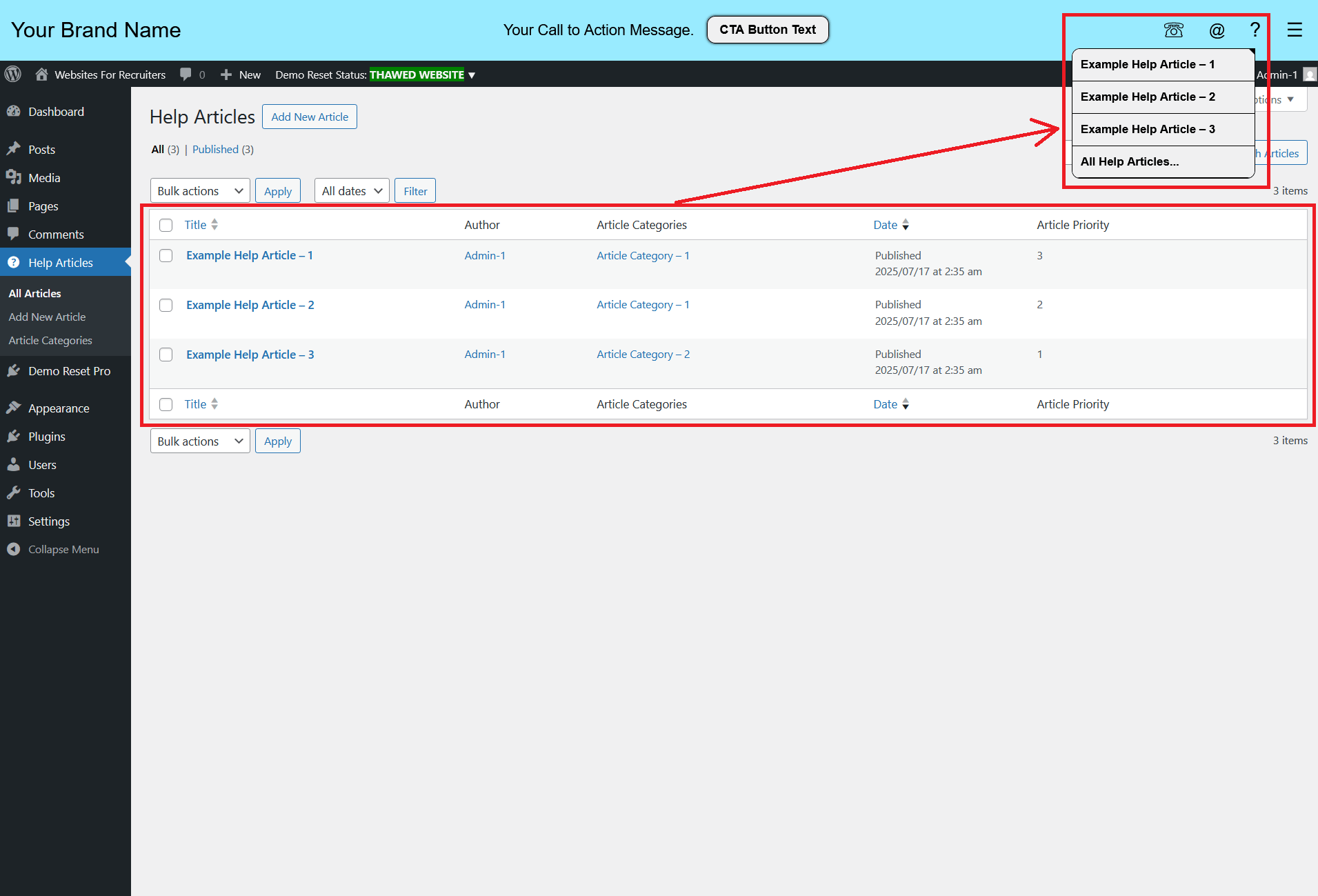
- Help Articles – Add, edit, delete, and manage as a custom post type.
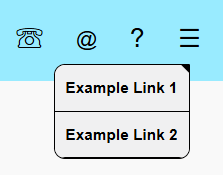
- Extra Links – Editable texts and links (up to 10 extra links).
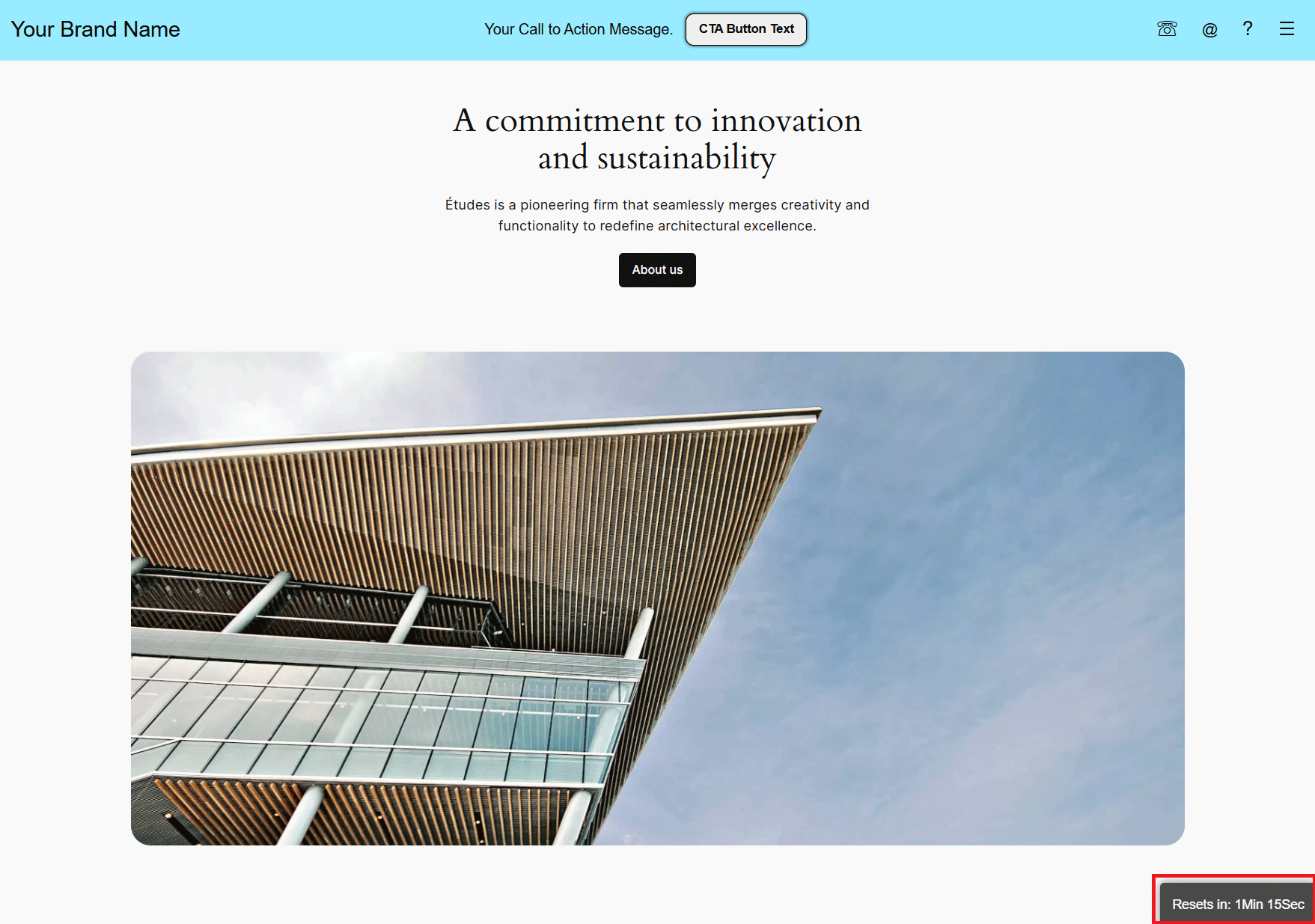
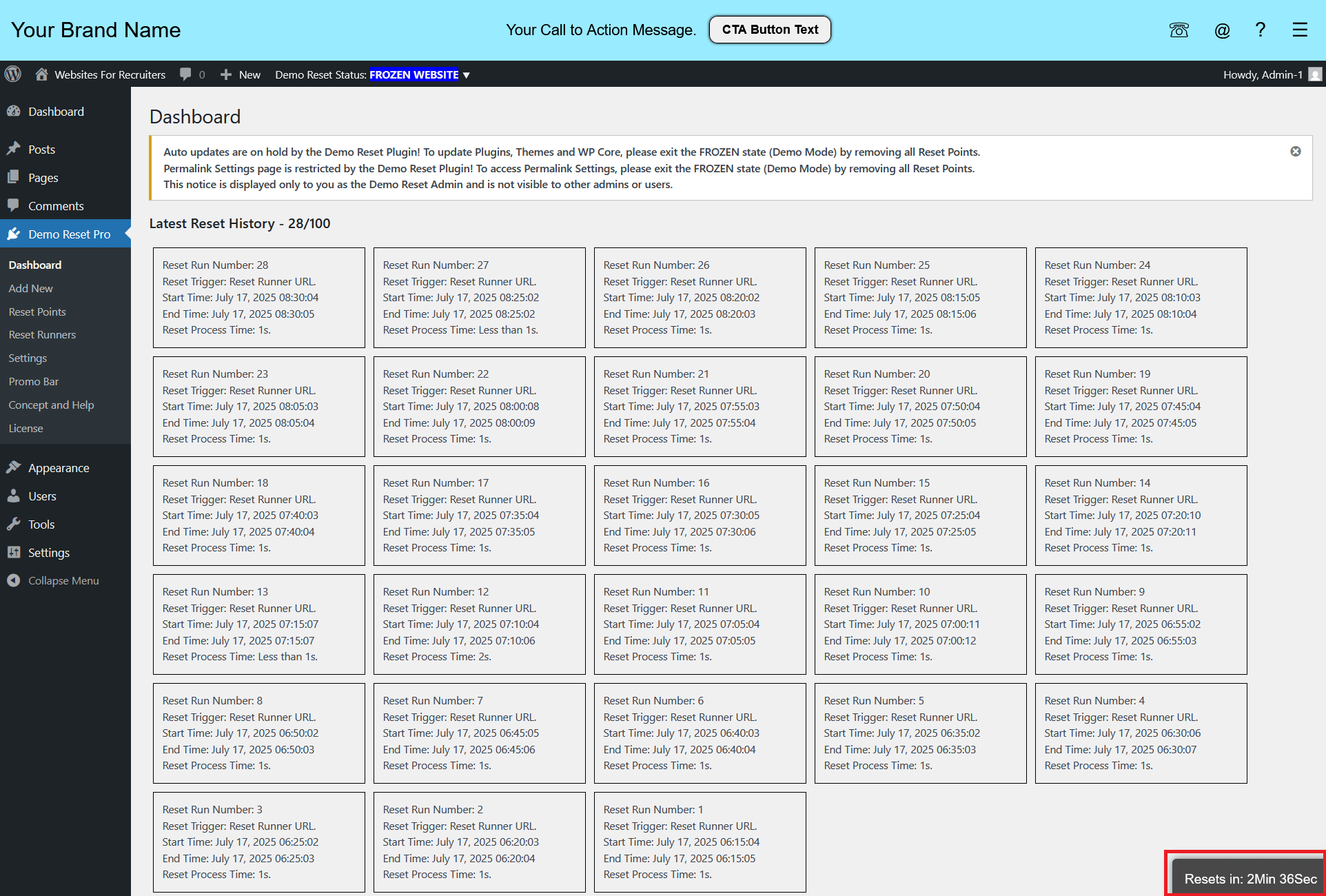
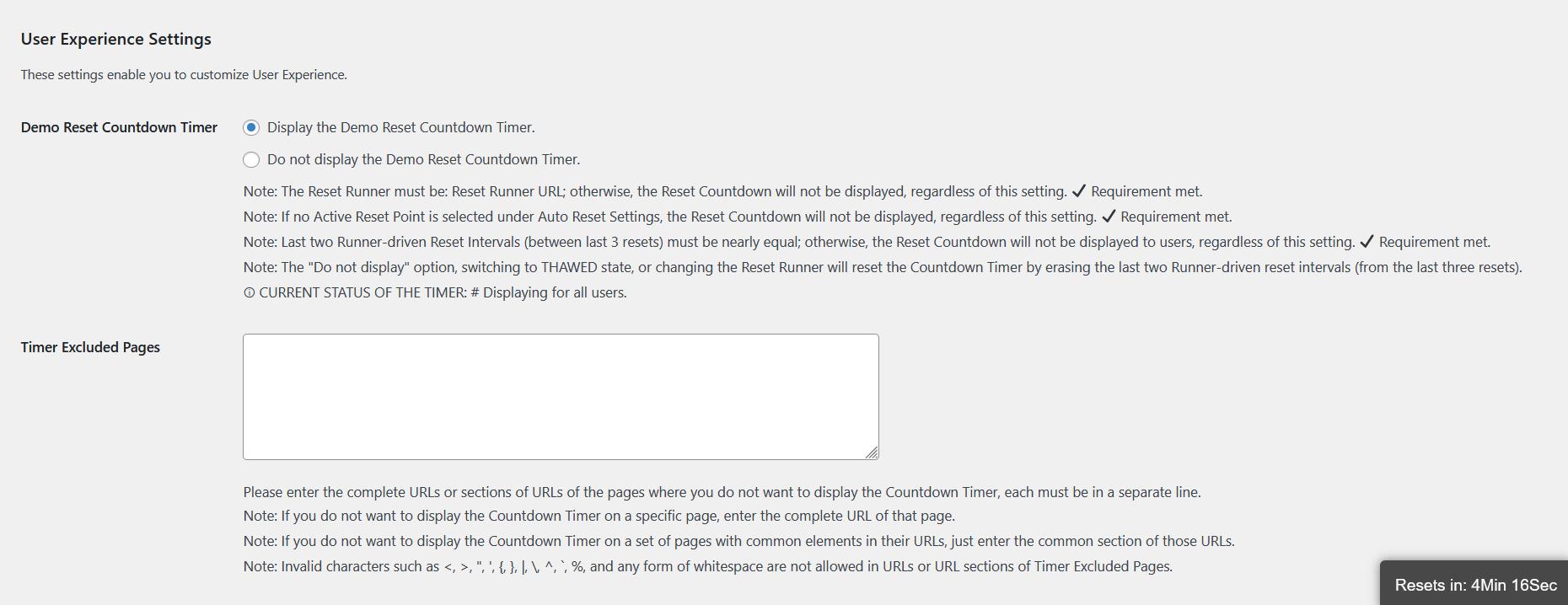
- The plugin can be configured to display the Demo Reset Countdown Timer.
- The Countdown Timer only displays to other users when reset time intervals are equal. (Except for Demo Reset Admin)
- The Countdown Timer can be excluded from any page.
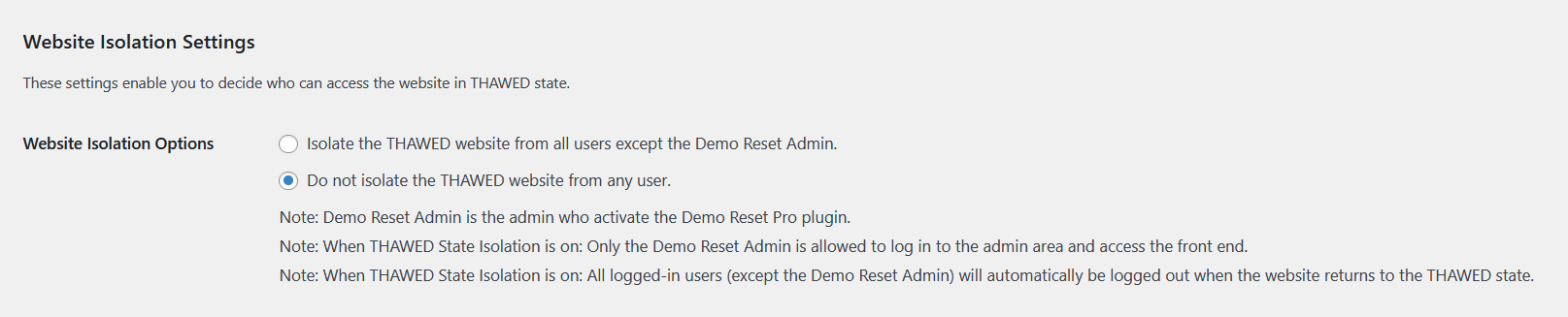
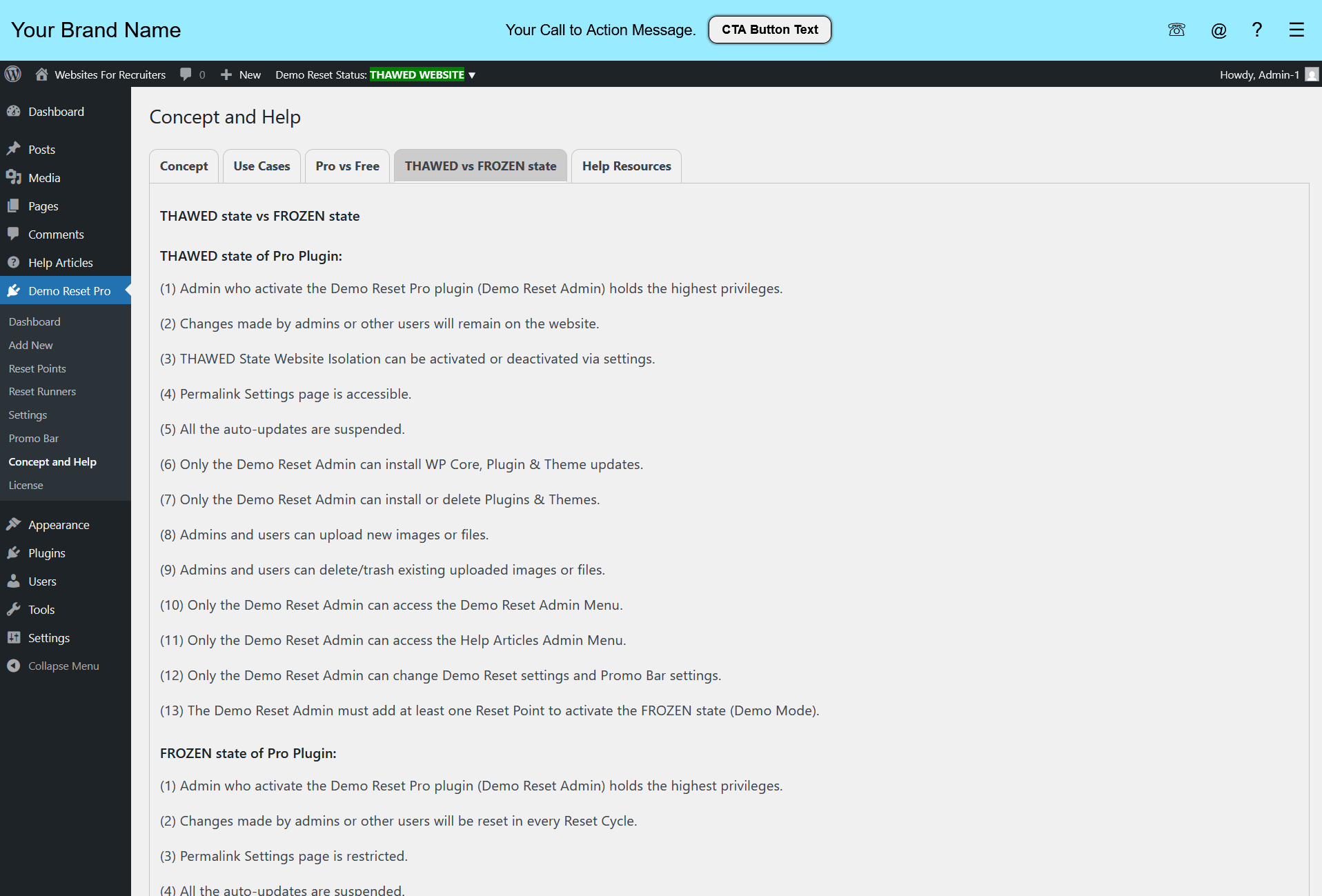
- Can restrict public and admin access for all users, except the Demo Reset Admin, when the demo website is in the THAWED state.
- This protects the website from unwanted or accidental modifications.
- Filter hooks are provided to secure admin accounts created for demo purposes. (Admin Accounts for Demo Purposes)

- When File Upload is allowed for users, they can upload and trash files (images, PDFs, etc.) in the WordPress Media Library. However, the Media Library (uploads directory) resets with every reset run.

- Demo Reset Pro can be configured to either keep all users logged in or force logout during the Reset.
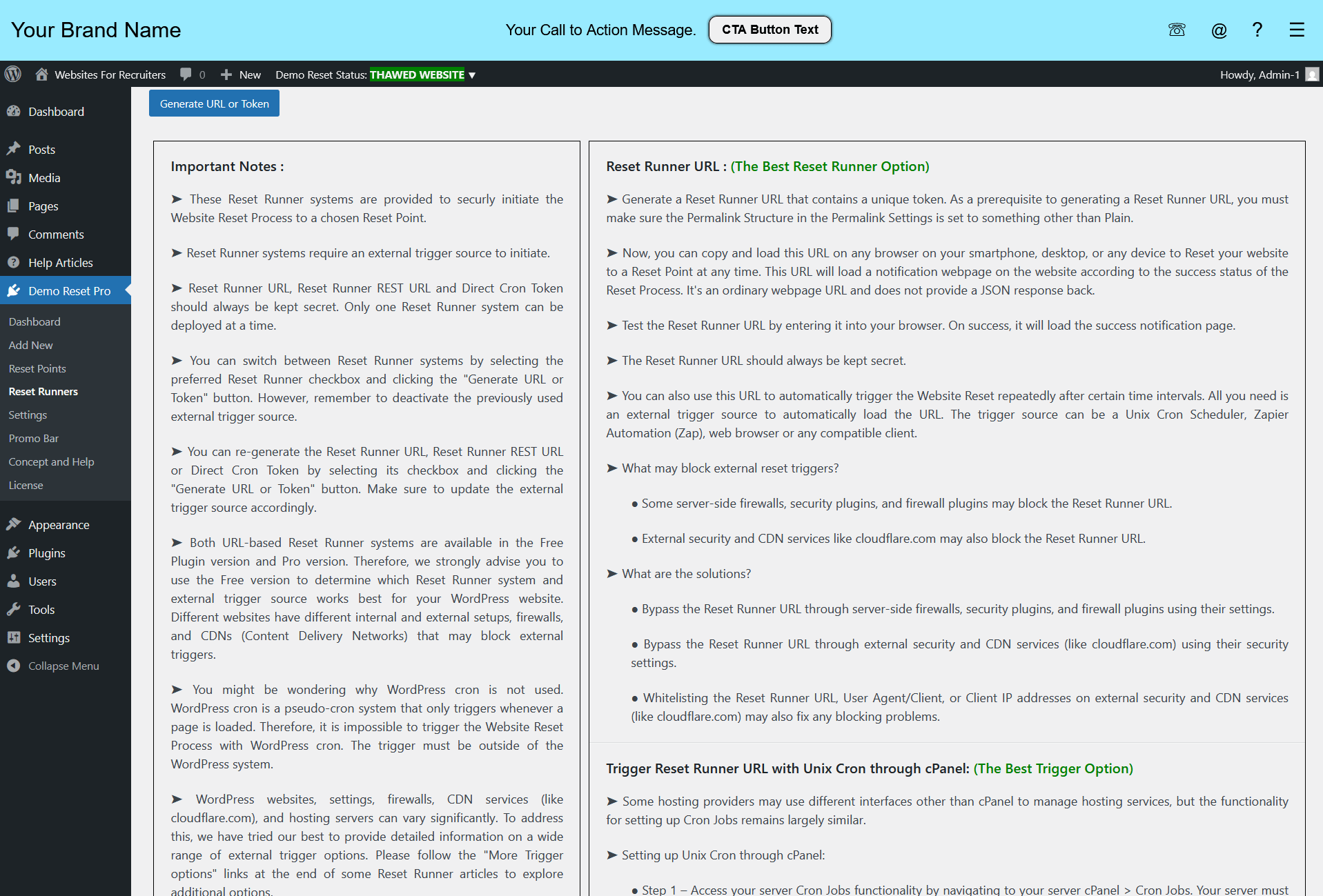
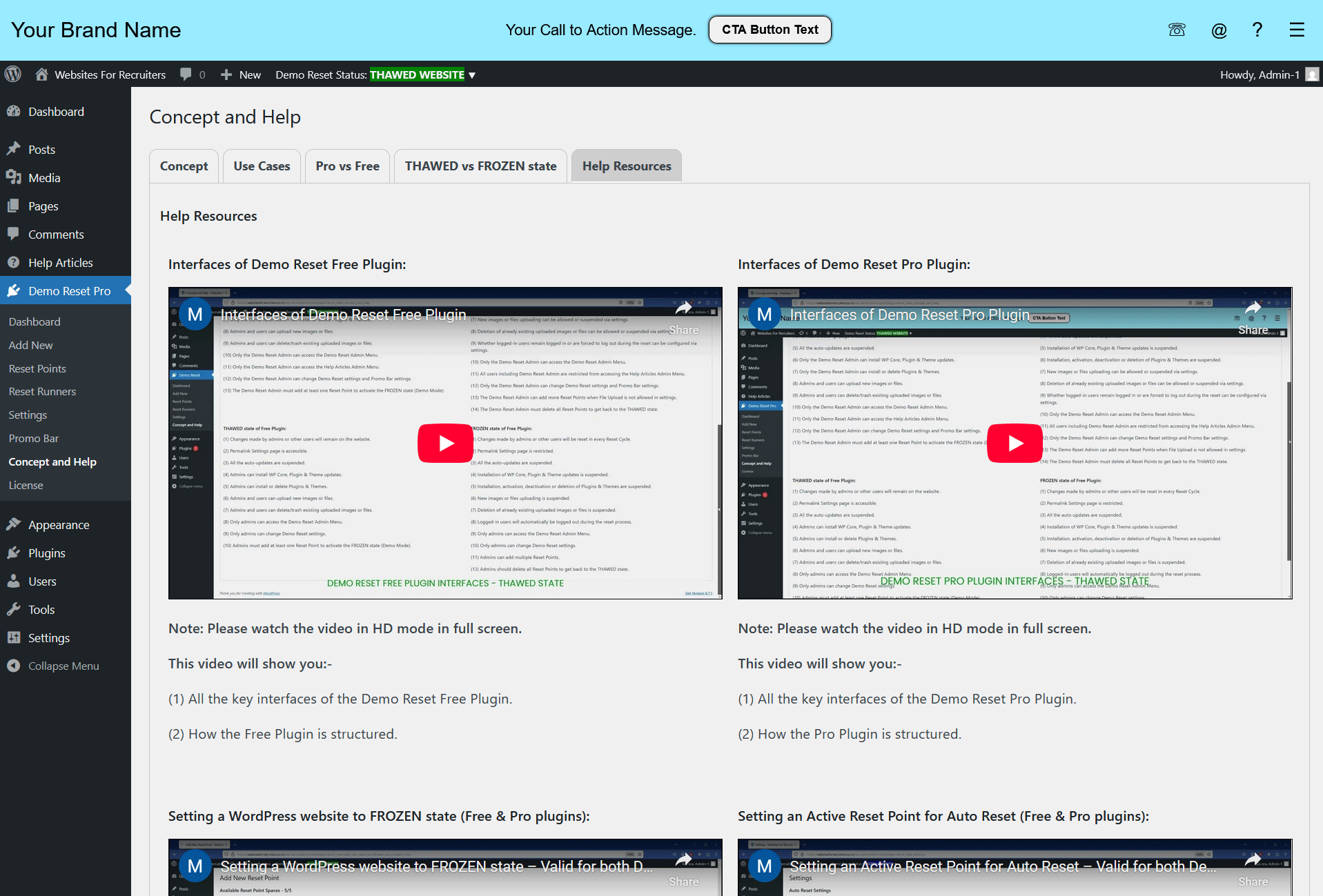
- The plugin is built with the focus on user-friendly setup, so help info and notes are integrated directly into the plugin wherever needed.
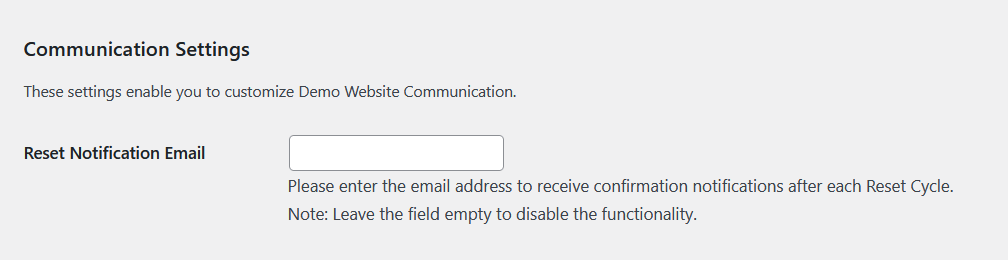
- Demo Reset Admin can set a Reset Notification Email to receive confirmation notifications after each Reset Cycle.
- Leaving the field empty disables this functionality.
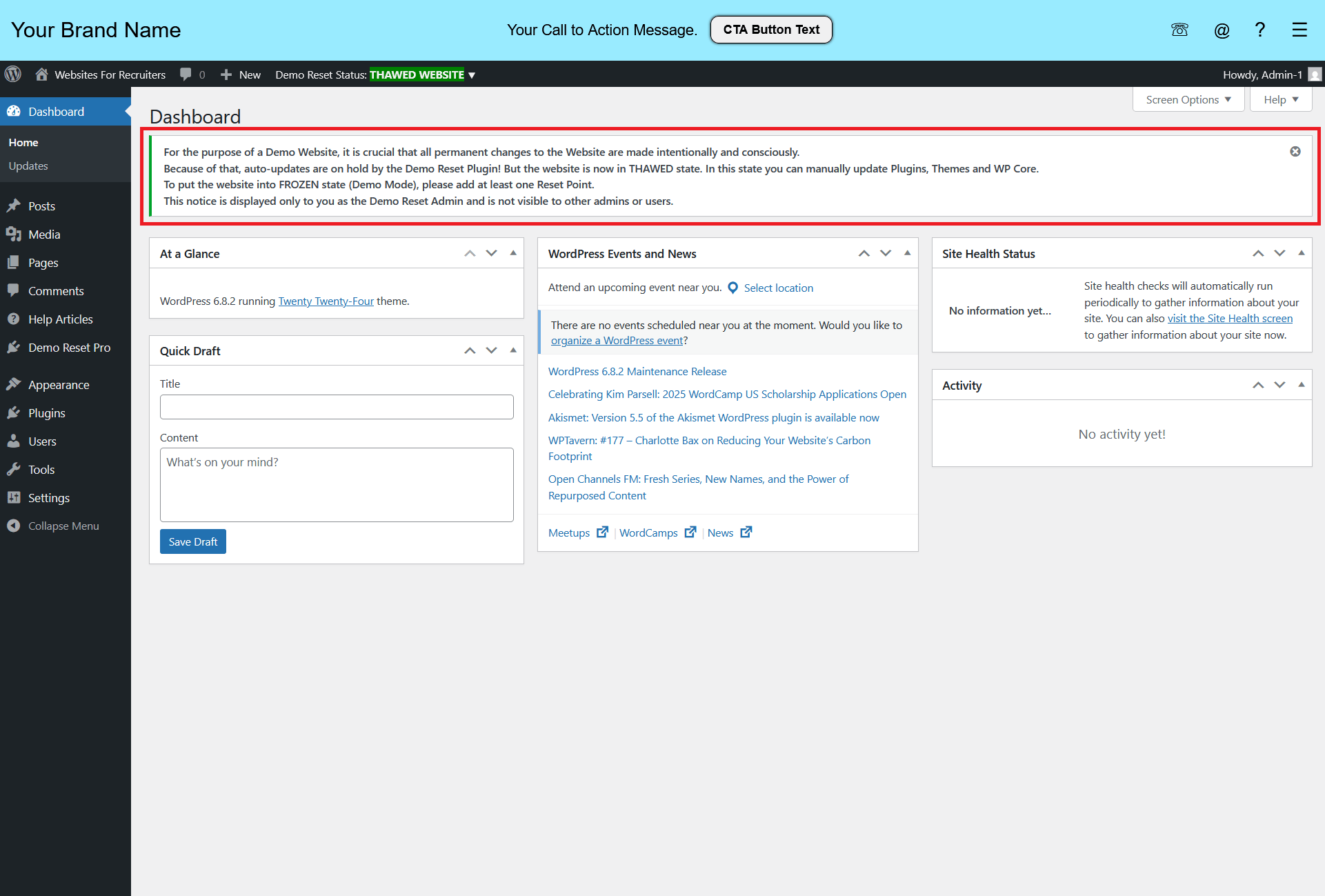
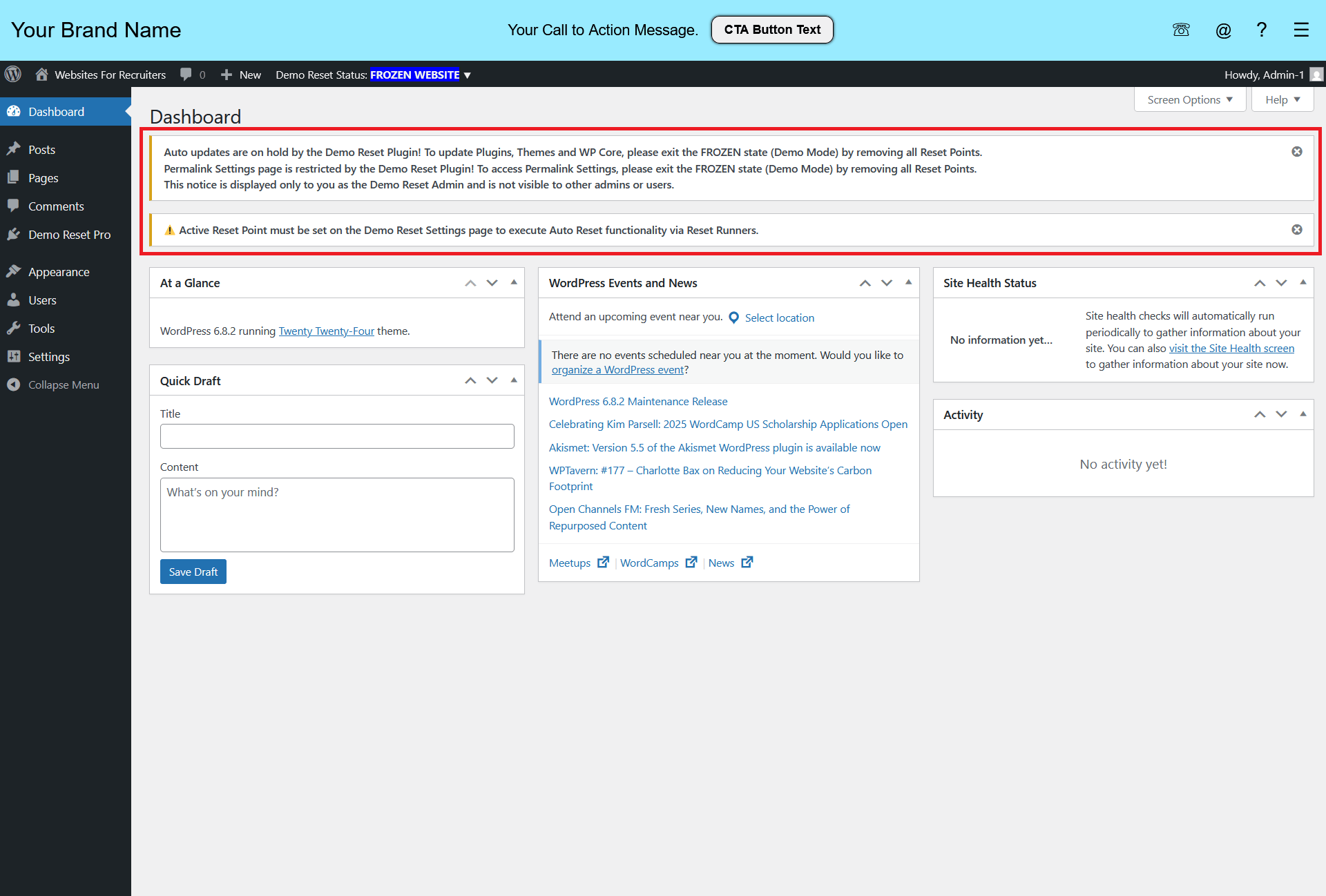
- We respect the simplicity of WP Admin Interface. Our plugins avoid cluttering the WP Dashboard with highlighted notices or ads, instead using default WP notifications appropriately.
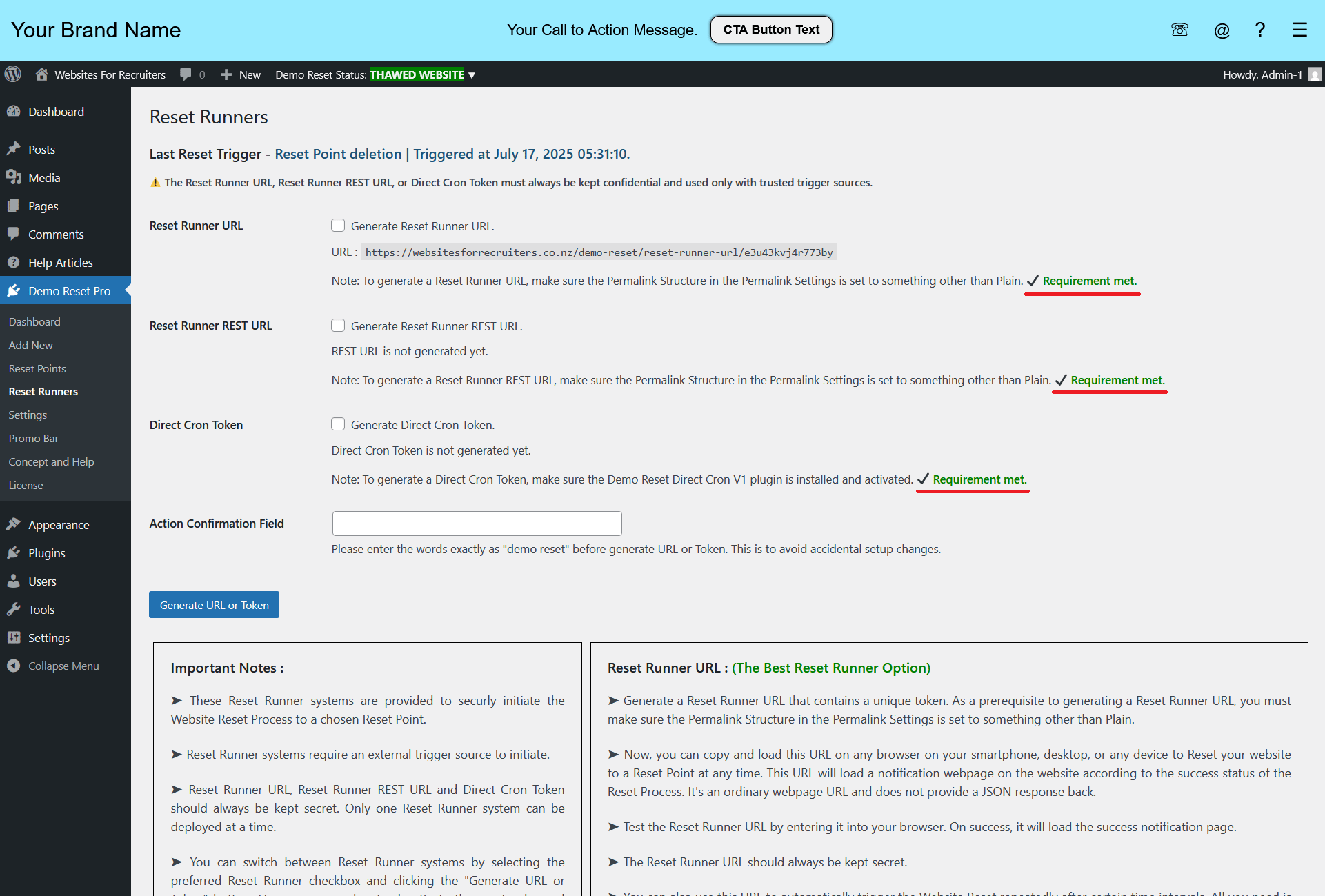
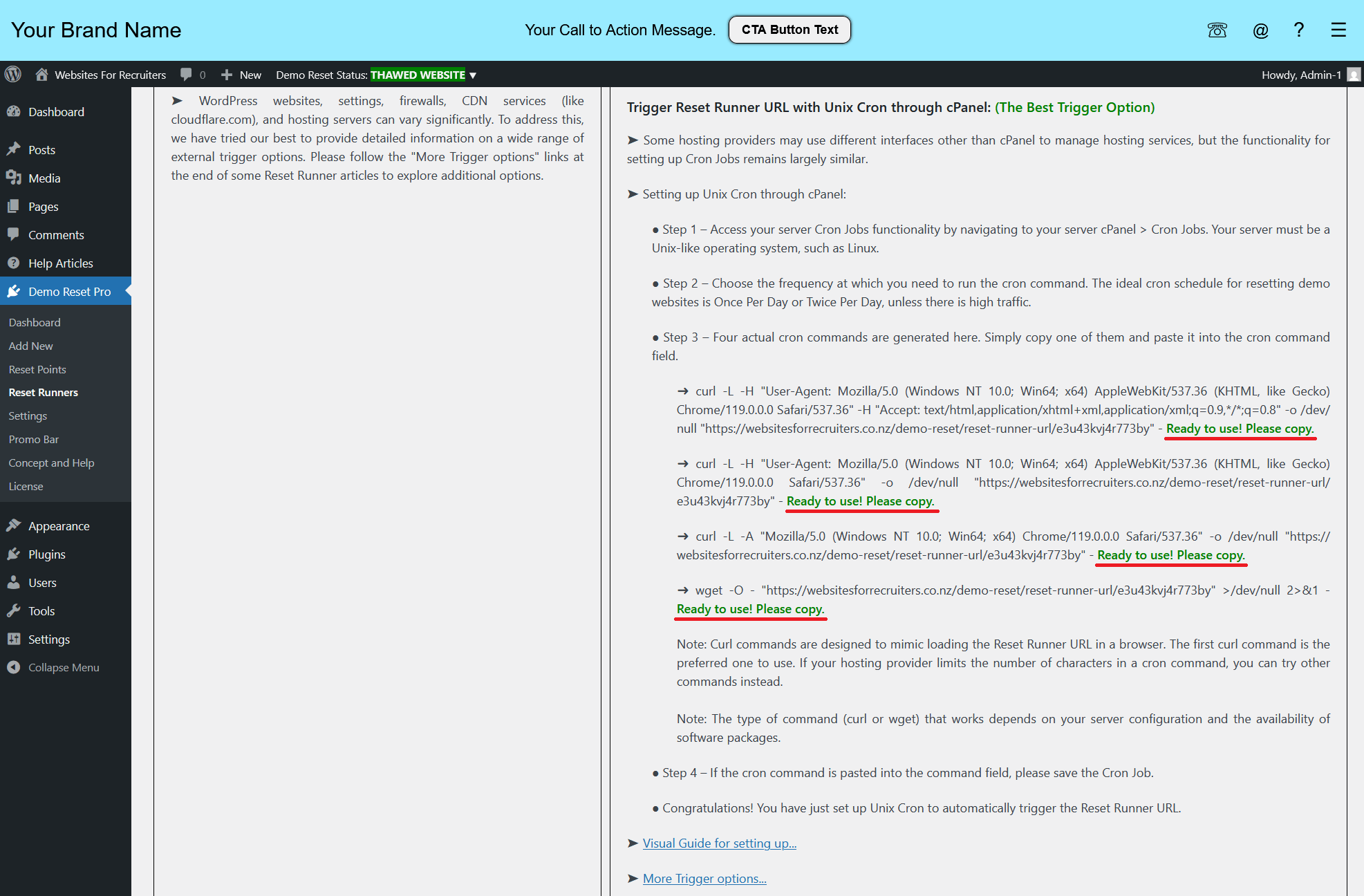
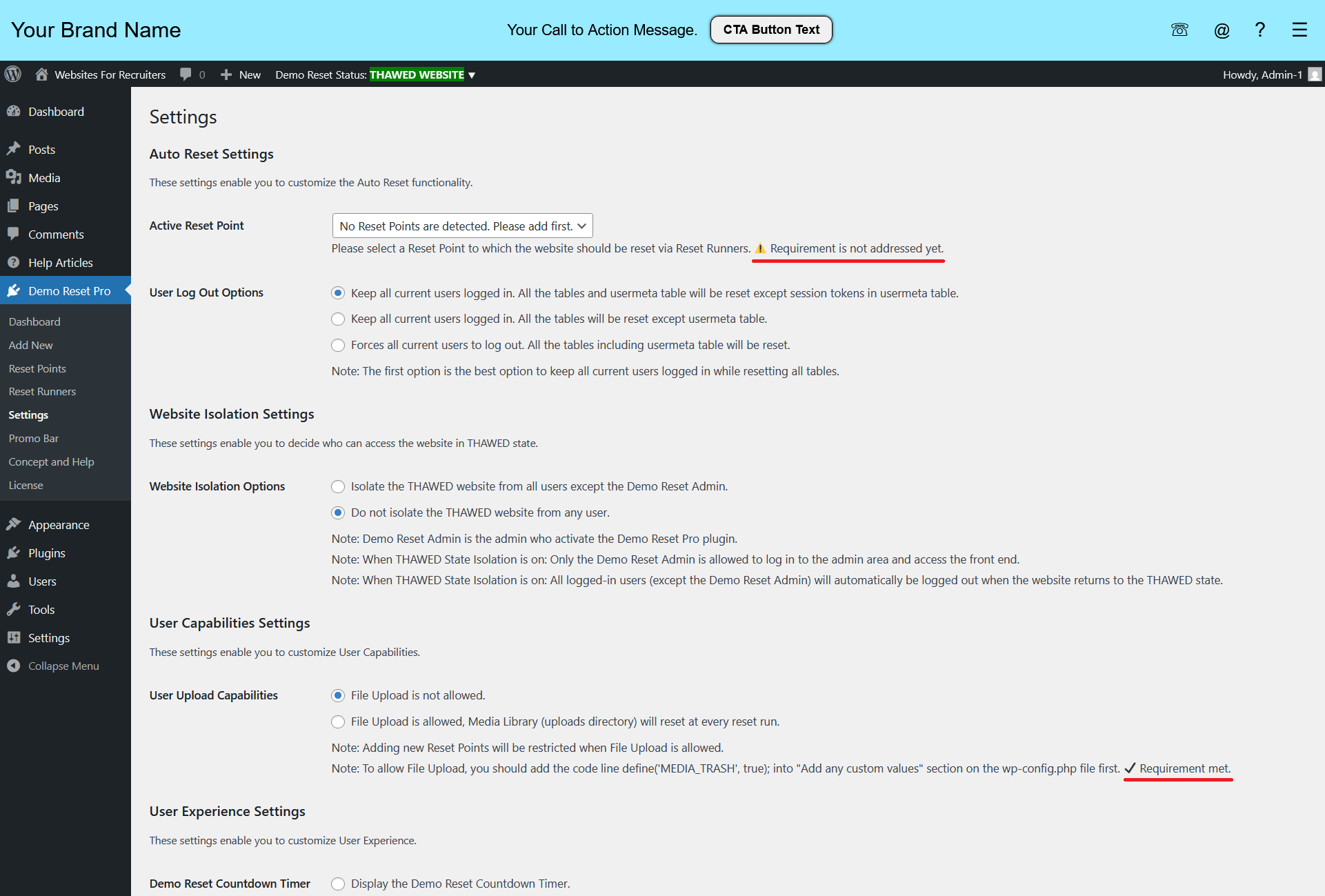
- The plugin is built with the focus on user-friendly setup, so smart setup checks with requirement notes are integrated directly into the plugin wherever needed. This helps prevent setup misconfigurations.

Automatic Updates
Just like WordPress.org plugins, our pro plugins can be updated with a single click from the WP admin. With our Lifetime plans, you’ll never pay for an update again.

Premium Support
Premium support comes with every plugin purchase. You’ll get full access to documentation, support forums, and email support. Our team is always here to help.

Inbuilt Resources
Built for simplicity, our plugins are designed with inline help notes and smart setup checks to guide you through the setup process and avoid misconfigurations.
Purchase Demo Reset Pro
Limited time 50% OFF launch offer on lifetime licenses!
Enter “drp-launch-offer” as the discount code at checkout.
Note: Demo Reset Pro is not designed or intended for use on WordPress multisite installations.